Social links · 5 min read
Save Instagram, YouTube and Reddit links in one place
The recipe was on Instagram. The tutorial was on YouTube. Keep the links together, with enough context to find them again.
By Miodrag MilosevicUpdated

You saved a recipe on Instagram, a tutorial on YouTube and a useful discussion on Reddit. A week later, you remember the idea but not which app had it. Keeping the links in one collection gives you another way to find them, without moving the original posts or connecting your social accounts to Stash.
Save one useful post first
- Open the post in its original app or website and choose its Share or Copy link option. The menu location depends on the app.
- Open Stash in your browser, paste the link into the save field and choose a collection, such as Recipes or Study.
- Choose Save link. After it is saved, use Edit to give it a recognizable title, add tags and write a short note.
- Try searching for a word from your note. This is a useful check before adding a large collection of links.
For a recipe video, a note such as “Try the oven temperature from this version” is more useful than repeating the caption. Tags like dinner, vegetarian or weekend can connect links from several different sites. Search in Stash covers titles, URLs, tags and notes.
If an app shares a photo, video file or text without a web address, Stash cannot turn that payload into a bookmark. Use the post's Copy link option instead. For the phone-to-computer workflow, see saving links across devices.
Bring in a group of saved links with an export
For older saved items, look for the source service's account-data export. If it offers a choice of categories, choose saved items rather than your entire account history. Export contents vary: a service may omit saved posts, include only internal IDs or place the relevant links in one file within a larger archive.
- Instagram and Facebook: look for a saved-items file in your downloaded account information. Stash can read full URLs in supported JSON or HTML files; it does not log in to Meta to fetch missing posts.
- TikTok: a downloaded JSON or TXT file may contain saved or favorite video links. Check that it contains the items you want, rather than URLs from other activity.
- Reddit: you can request your archive through Reddit Data Request. If it includes a saved-posts or saved-comments CSV, choose the file containing full web links.
- A small manual list: a TXT file with one complete http:// or https:// URL per line is enough. Use the example TXT file as a format reference.
A number such as a post ID is not a complete URL. Renaming a file to .json or .csv does not add the missing links. When an export has no usable addresses, copy the important post links individually instead.
Preview the file before you import it
- Unzip the downloaded archive on your device. Keep the original download as a backup.
- In Stash, open Import links and choose the saved-items file, rather than the ZIP archive.
- Review the number of links and the preview. A full account export can contain profile links, messages or other activity you did not intend to save.
- If the preview contains the wrong material, choose a more specific file or prepare a smaller TXT list before importing.
- Submit the import only when you are happy with the selection, then check a few links in your library.
Stash accepts JSON, HTML, CSV and TXT files up to 3.8 MB, with no more than 10,000 links per file. The preview shows the first 100 links when a file is larger; the import considers all links in that file. If the whole file cannot be imported, choose a smaller file or explicitly import only what fits.
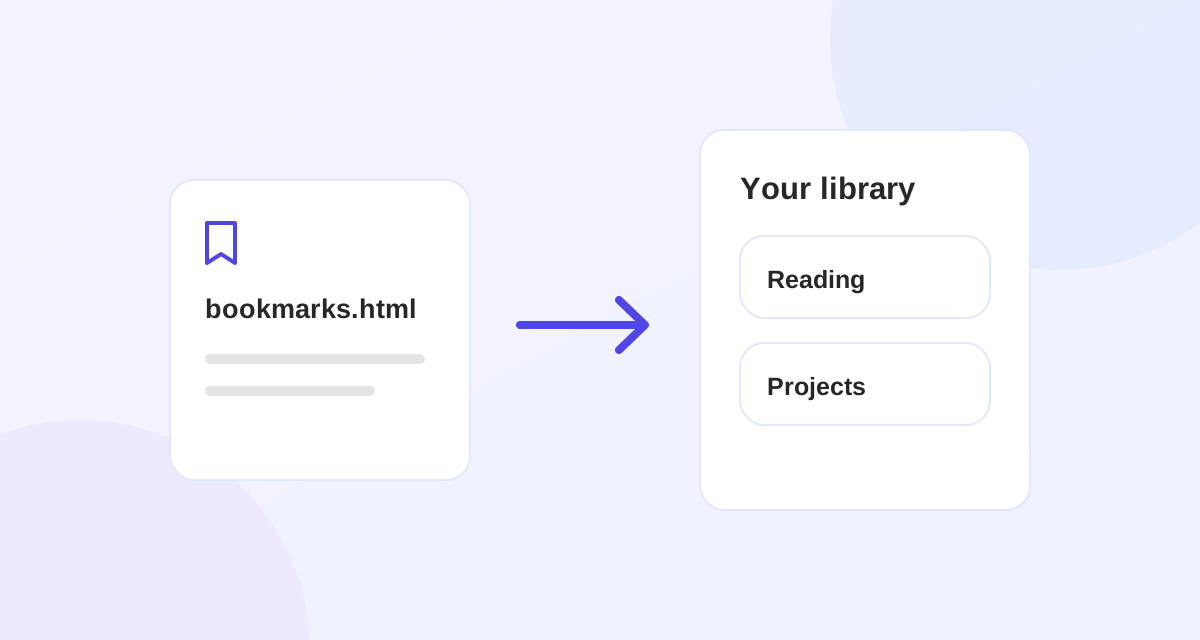
Recognized social links are grouped into collections such as Instagram, TikTok and Reddit. That grouping comes from the website address, not from an ongoing connection to your account. A browser bookmark HTML export uses its own folder structure instead; see the browser bookmark import guide.
Organize by the reason you saved something
A source collection is a useful starting point, but “Instagram” does not tell you whether a link is a recipe, a workout or a design reference. Move the links you use into a few topic collections and add tags that cross those topics. Keep a short note when the title alone will not remind you why the post mattered.
For example, put a cooking video and a Reddit discussion about the same dish in Recipes, tag both with weekend and add the ingredient substitution you want to try. You can follow the same pattern for a course, a trip or a research project.
What saving a social link does and does not do
- Stash saves the bookmark; it does not download the original video, photo or article for offline use.
- A private, removed or restricted post may still require the original service's login or become unavailable.
- Importing does not connect your accounts, follow new saves or keep an export synchronized.
- Identical normalized URLs already in your library are skipped during import. Different addresses or tracking parameters can still produce separate bookmarks; Stash does not automatically decide that two different URLs are the same post.
Start with the links you expect to use this week. A collection you return to is more useful than an unchecked copy of your entire social history. The bookmark organization guide has more examples of collections, tags and searchable notes.
Put it into practice.
Collections, tags, notes and unlimited bookmarks. All on Free.