Research · 6 min read
Give your next research project a collection of its own
Go from a handful of open tabs to a set of sources you can understand, search and come back to.
By Miodrag MilosevicUpdated
A project rarely starts with a tidy list of sources. There is a report in one tab, a tutorial in a chat and an example you saved on your phone. Before adding another tool or a complicated folder system, give those links one home and record the decision each source is supposed to help you make.
This example uses a small website redesign. The same structure works for a course assignment, a product comparison or a home project. You can save and organize the links on Free; handing a collection to another Stash user is an optional Pro step.
1. Name the project and the questions you need to answer
Create a collection called Website redesign. Write down three questions before collecting more material: Who is this page for? What should visitors find first? Which examples are useful for the navigation?
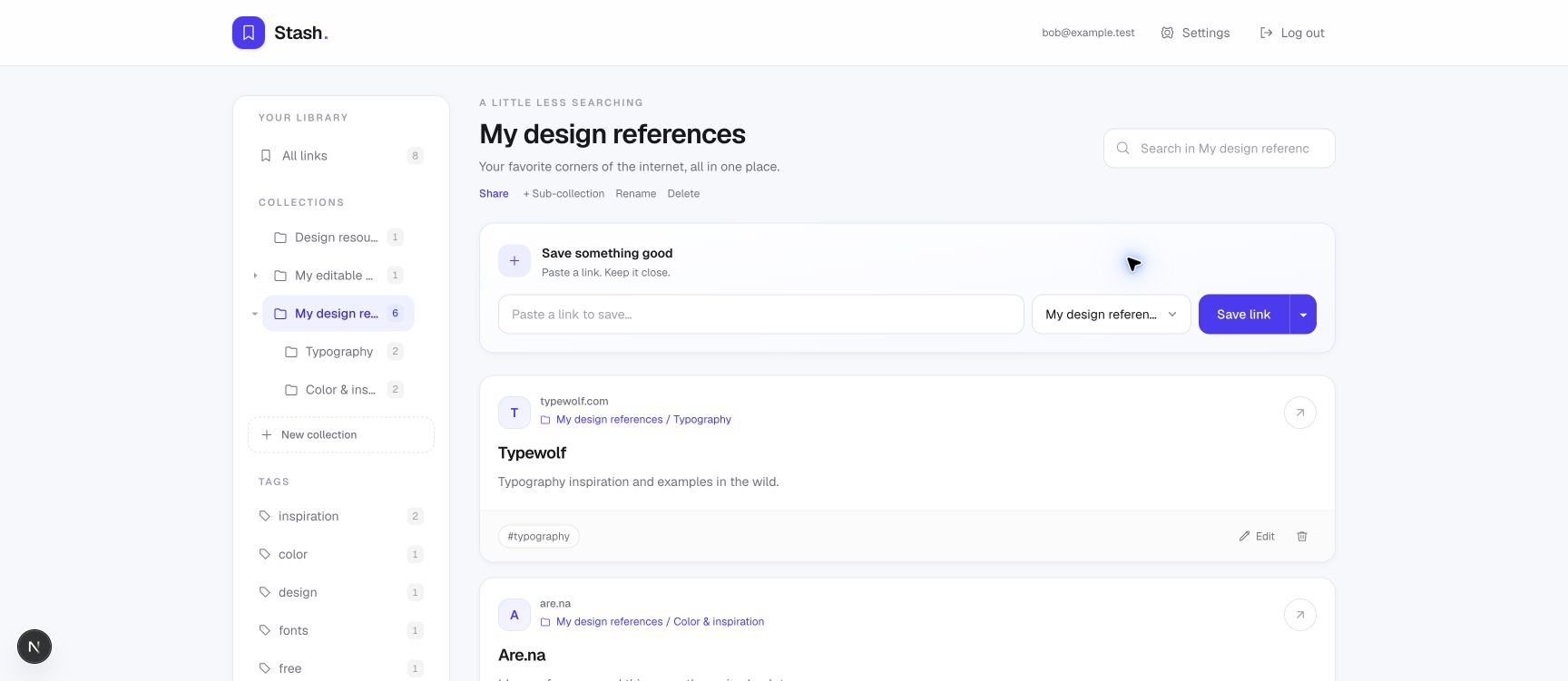
Use a few sub-collections only if they help you browse. For this project, Audience research, Navigation examples and Implementation are enough. Avoid creating a separate folder for every website or for every file format.
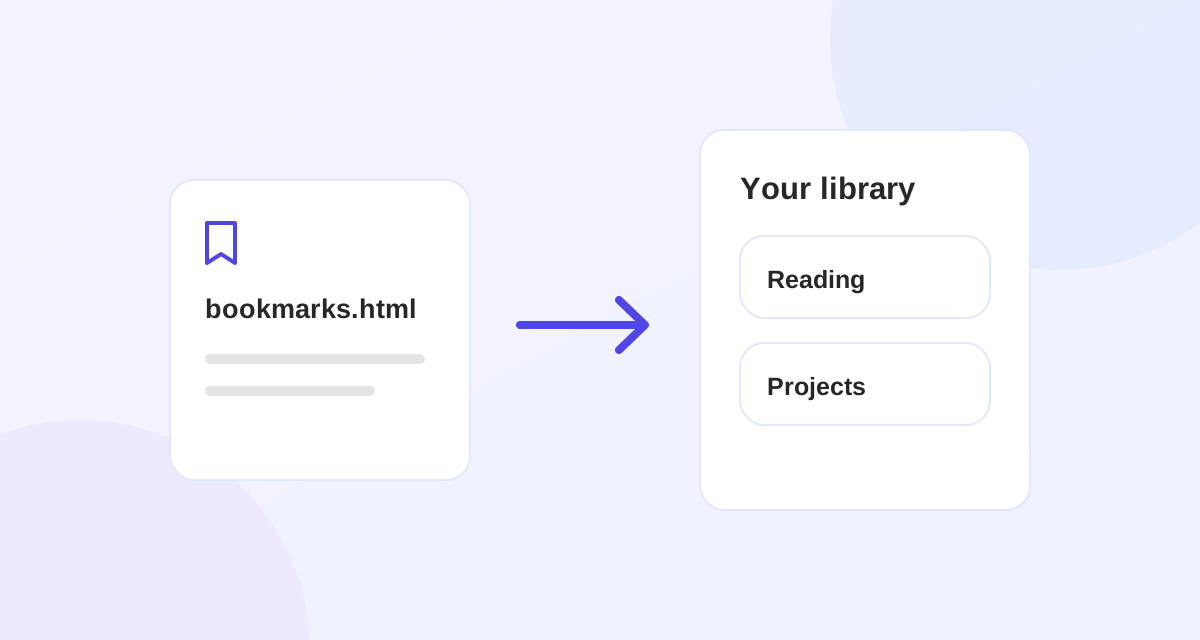
If the sources are already in browser bookmarks, import the relevant HTML export first. Check its preview and folder paths before saving. Importing an entire bookmark library of unrelated projects will give you more cleanup work.
2. Save a source with the reason you need it
Paste each URL into Stash and choose the project collection or its relevant sub-collection. After saving, use Edit to add a clear title, a few tags and a note. Keep the source address intact; put your interpretation in the note.
| Source | Collection and tag | Note to add |
|---|---|---|
| A report about the audience | Audience research · evidence | Check the sample and publication date before using the conclusion. |
| A useful navigation example | Navigation examples · compare | Compare how the mobile menu groups the product categories. |
| An implementation tutorial | Implementation · tutorial | Test the keyboard behavior before adopting this approach. |
A collection gives the source a place. A tag lets you find related sources across the project. The note records why it matters to you. You can start with evidence, compare and tutorial rather than inventing a long classification system.
3. Separate useful references from things you still need to check
Finding a page does not make its claims reliable. Add a tag such as to-review when a source needs closer reading, and write the unanswered question in a note. Change or remove that tag when you have checked the material. Stash does not automatically verify sources, grade their quality or track whether you have finished reading them.
For research you plan to cite, record the author, publication date and the relevant section yourself, after checking the original page. Stash is a bookmark manager, not an automatic citation generator. Do not treat an imported page title or preview description as a verified summary.
4. Test whether you can find a source again
After adding the first few links, close the original tabs and search in Stash for one decision you need to make. A word such as keyboard from the tutorial note should help you find that reference without remembering the site name. Search covers titles, URLs, tags and notes.
If several results look the same, improve the titles or notes. If you keep opening the wrong folder, simplify the collection names. The collection and tag guide explains the distinction in more detail.
You can collect a source on your phone and review it on your computer with the same Stash account. The cross-device guide walks through that process without requiring a public Android download.
5. Hand over the useful links, if another person needs them
Keep the handoff focused on one project. With Stash Pro, you can share Website redesign and its sub-collections rather than your whole library. Only you need Pro to send it. The recipient can view and import with a Free account. Read and accept the sharing terms before creating the link.
The shared view includes collection names, URLs, titles, descriptions and tags. Your personal notes and images are excluded. The notes in the table above help you work, but they will not appear for the recipient. Review the visible fields before sharing, and explain any essential context in your accompanying message.
The recipient can browse the original read-only view or import an editable copy into their own library. They cannot edit your original collection. Later changes to your original appear at the active shared link, but do not update their imported copy. This is a resource handoff, not a collaboratively edited workspace.
Use the sharing guide for the exact controls, privacy boundaries and revocation behavior. You can turn sharing off later; that stops access through the link but does not remove copies someone has already imported.
6. Close the project without losing the references
When the decision is made, remove sources you no longer need and keep the references that explain the result. You can use a tag such as completed to identify finished work; it is a label you manage, not an automatic project status.
Export your Stash library from Settings as HTML or JSON when you want a backup of its link data. That export does not preserve an external page, replace a research record or make a paywalled article available offline. Keep any documents you are entitled to retain through a separate, appropriate process.
For the next project, reuse the small system: one named collection, a few meaningful sub-collections and a sentence explaining each important source. Add structure when finding a link becomes difficult, rather than before you need it.
Put it into practice.
Collections, tags, notes and unlimited bookmarks. All on Free.