design.example
A practical guide to typography
Compare the examples before our next design review.
Private bookmarks. Free Deep search.
Forgot the title? Search for a word you remember from inside the page. Stash searches readable text from your saved public pages — free.
Unlimited bookmarks and Deep search. No credit card required.
Try the Deep search demoA little less searching
Your favorite corners of the internet, all in one place.
6 links in this view
design.example
Compare the examples before our next design review.
design.example
Check the contrast of our secondary buttons.
research.example
Questions to revisit during the next round of interviews.
studio.example
Try this approach in the next prototype.
studio.example
Start with the controls we use most often.
research.example
Bring these prompts to our planning session.
Paste a URL, or import the bookmarks you already have.
Choose a collection. Add a tag or a note about why you saved it.
Search titles, URLs, tags and notes. Turn on Deep search to find words inside saved pages, too — included in Free.
Link Maps · Included in Free
Place saved links and collections on a canvas. Connect a whole collection or a link inside it, choose one-way or two-way arrows, and add a label that explains the relationship.
One personal map, plus one for each team. Arrange cards on web or mobile, then open any link on its original site. Team owners and editors can make changes; other members can explore.
Open your Link MapFor your projects. And your people.
Keep your own bookmarks private, send someone a collection, or invite them to work in the same folders with you.
See how sharing worksTeam members can read, add or edit links according to their role. Notes and tags stay with the shared links, and in-app notifications show new additions.
Only the owner needs Pro. The people you invite can use Free.
Save unlimited bookmarks, organize collections and sub-collections, add tags and notes, connect links and collections with Link Maps, use regular search or Deep search, choose your layout, and import or export your library. Pro adds preview images, your own image or video attachments, sending collections and starting teams for $1.50/month or $12/year on the web.
Your personal library requires your login. You choose what to share. Read-only sharing excludes notes, images and videos; team members share the links, notes and tags inside their team collection.
Yes. Import browser bookmark HTML, Stash JSON, or supported CSV and TXT files. Export as HTML or JSON whenever you want a copy. Read the import guide.
Stash saves the link, its details and readable text from supported public pages for Deep search. Turn it on beside the search field to find a passage and see a relevant excerpt. Open the original page to read it; full-page archiving and offline reading are not included.
At your desk or on your phone
Use Stash in your desktop or mobile browser, with search, team updates and a layout that fits your screen. The Android app also lets you save a link through your phone’s share menu.
The Android app is in testing. The web app is available today.
A little help getting started
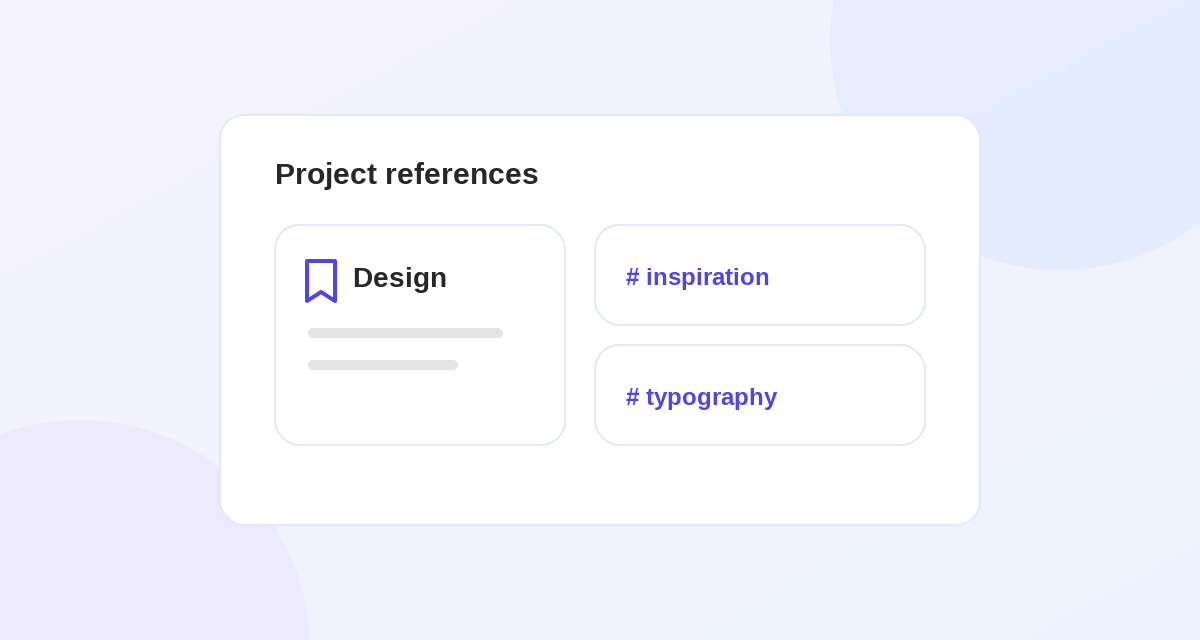
Give each link a home, add a little context, and keep your library easy to search.
Read guide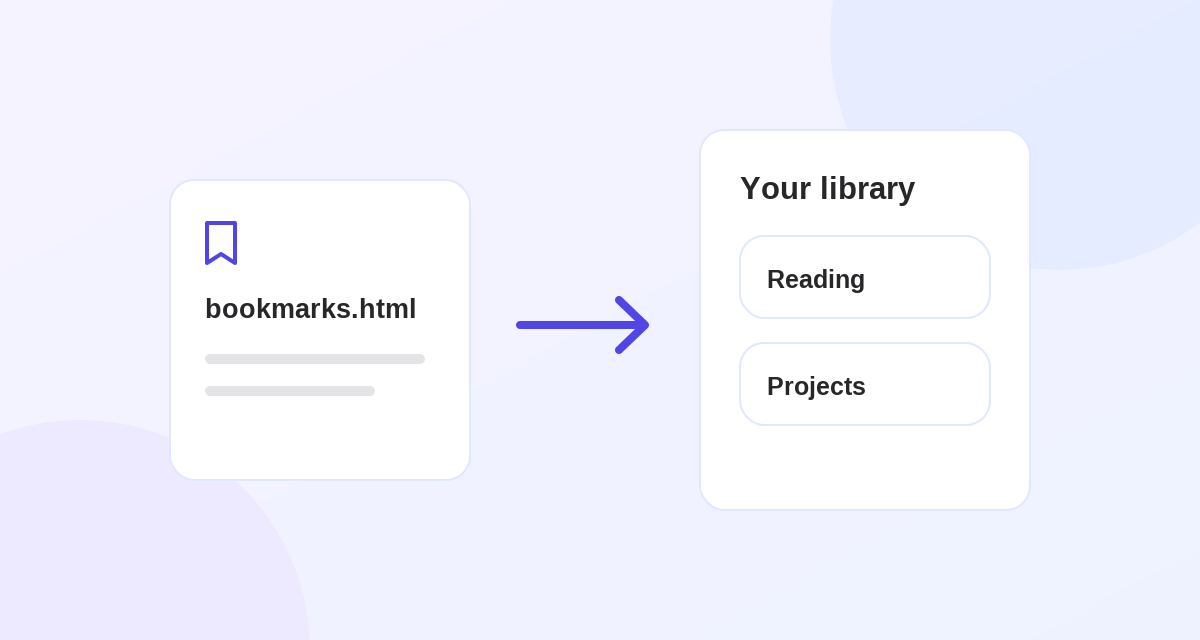
Move an existing bookmark collection with an HTML file, preview it, and keep its folders.
Read guide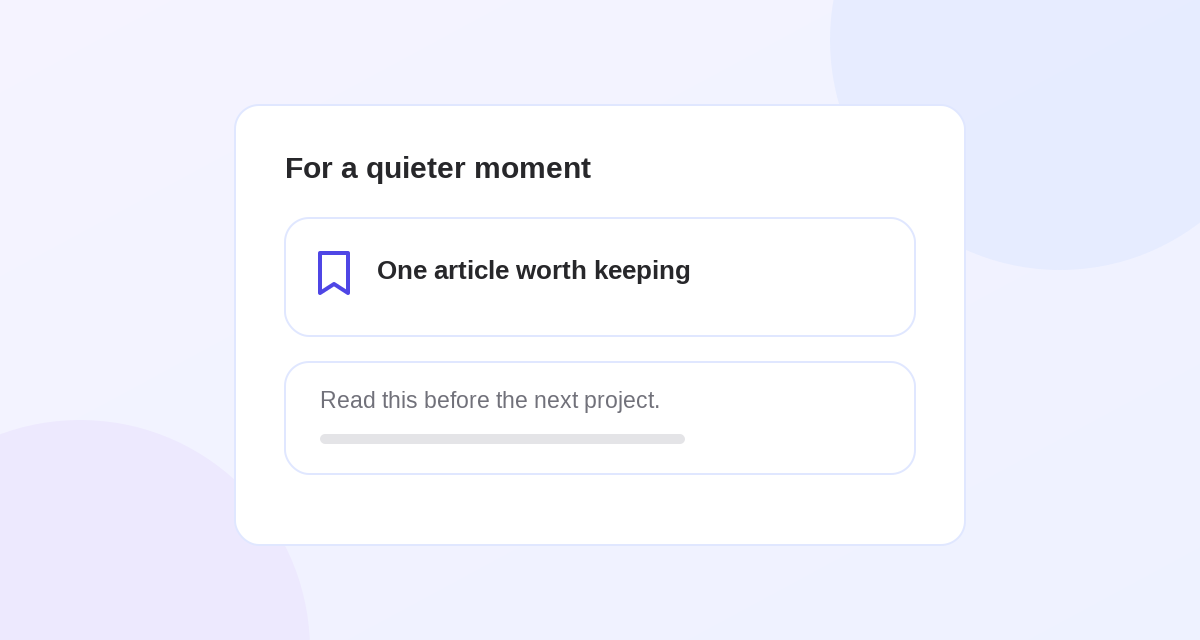
Make a reading queue that stays useful after the browser tab is closed.
Read guideStart with a link. Your library can grow from there.